
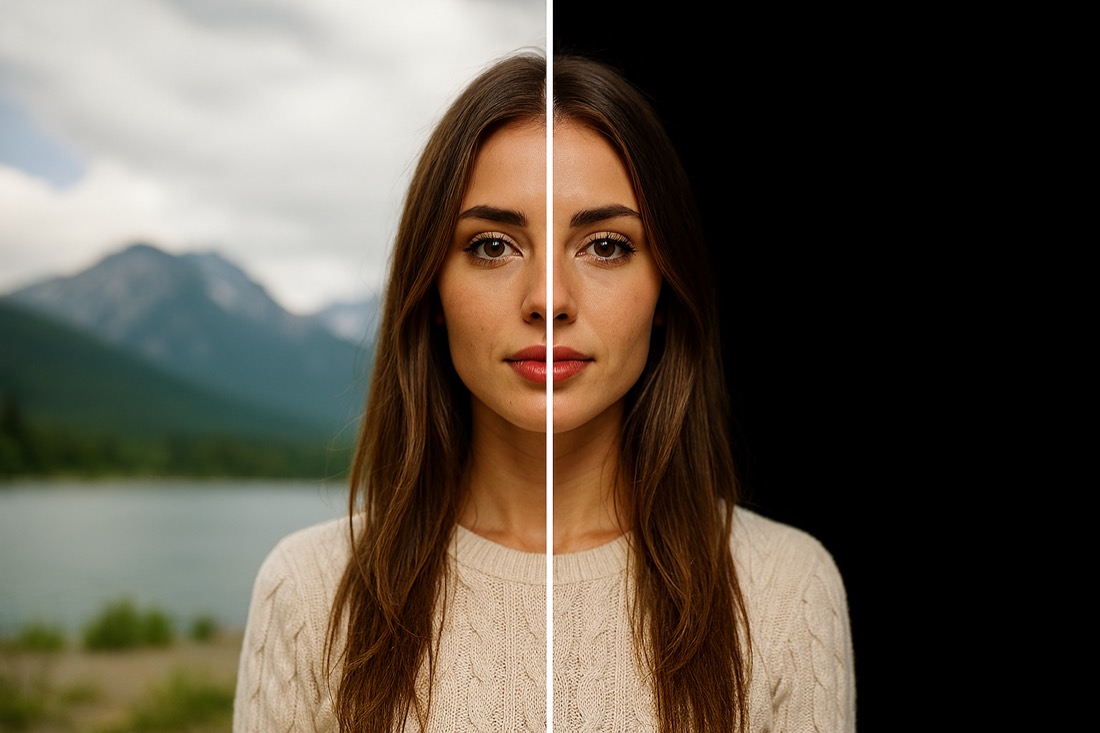
Background Remover
Erase the background from any photo with one tap — perfect for portraits and products.
A full studio of AI tools in one app — remove backgrounds, restore and upscale, retouch faces, change age, add or erase objects, and generate images and videos from your iPhone.
Free to download · No editing skills needed
From instant edits to generative AI and your saved library — this is what PerfectAiStudio looks like on your iPhone.
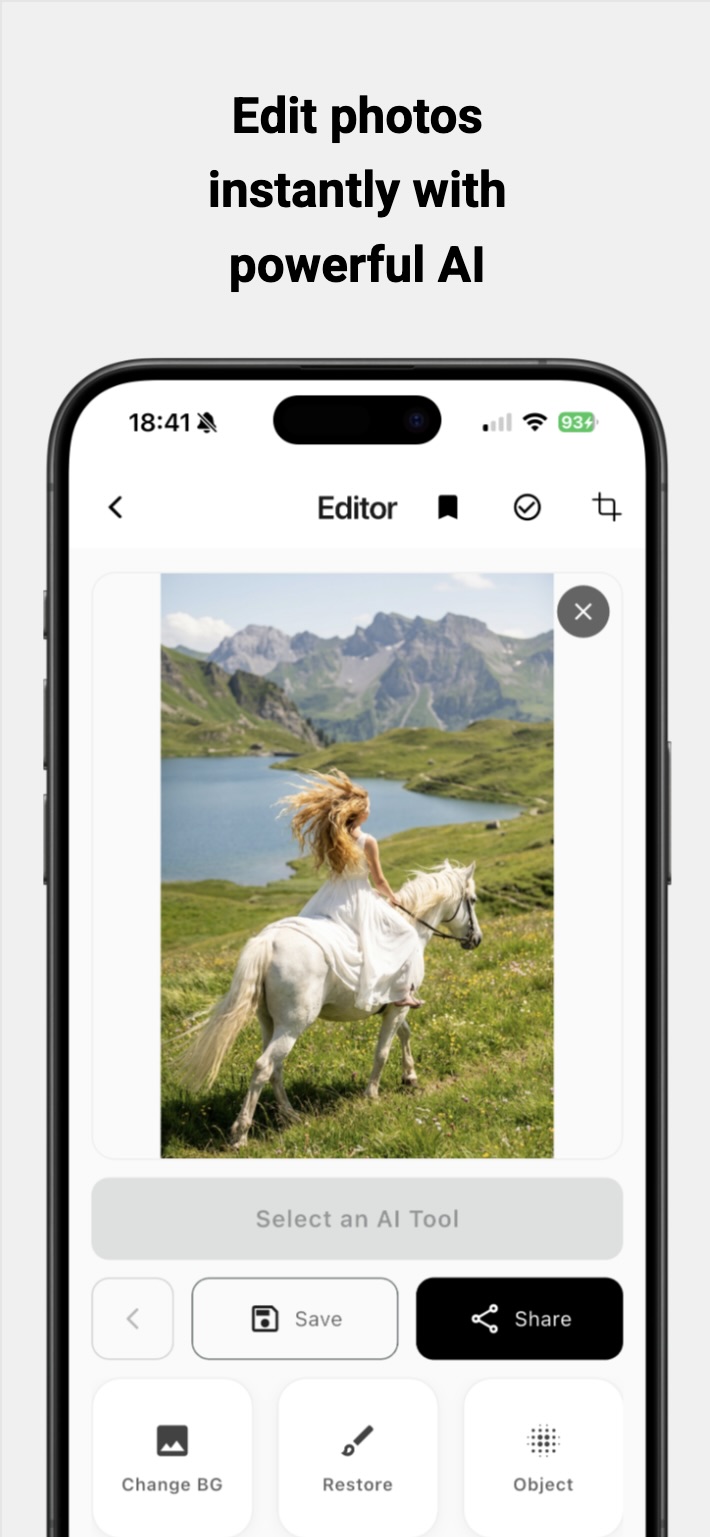
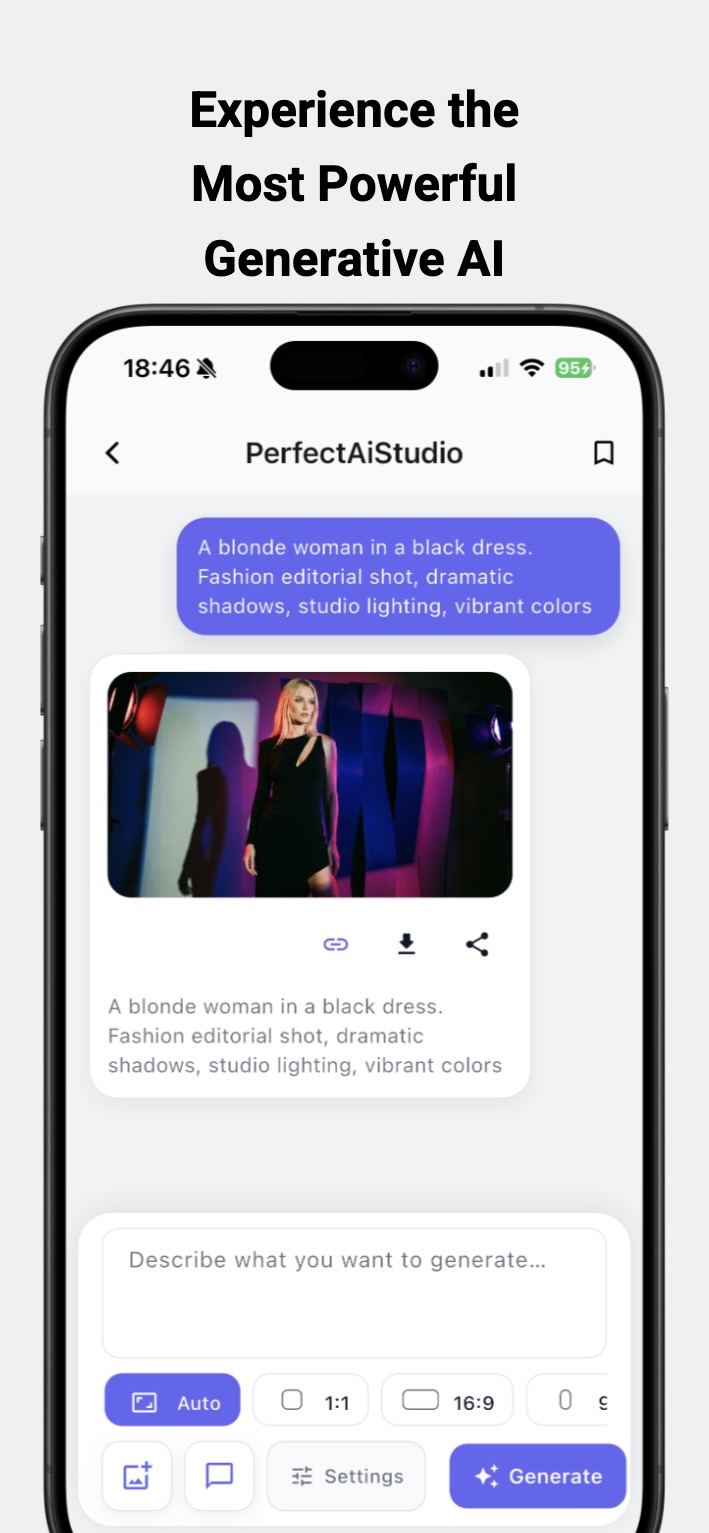
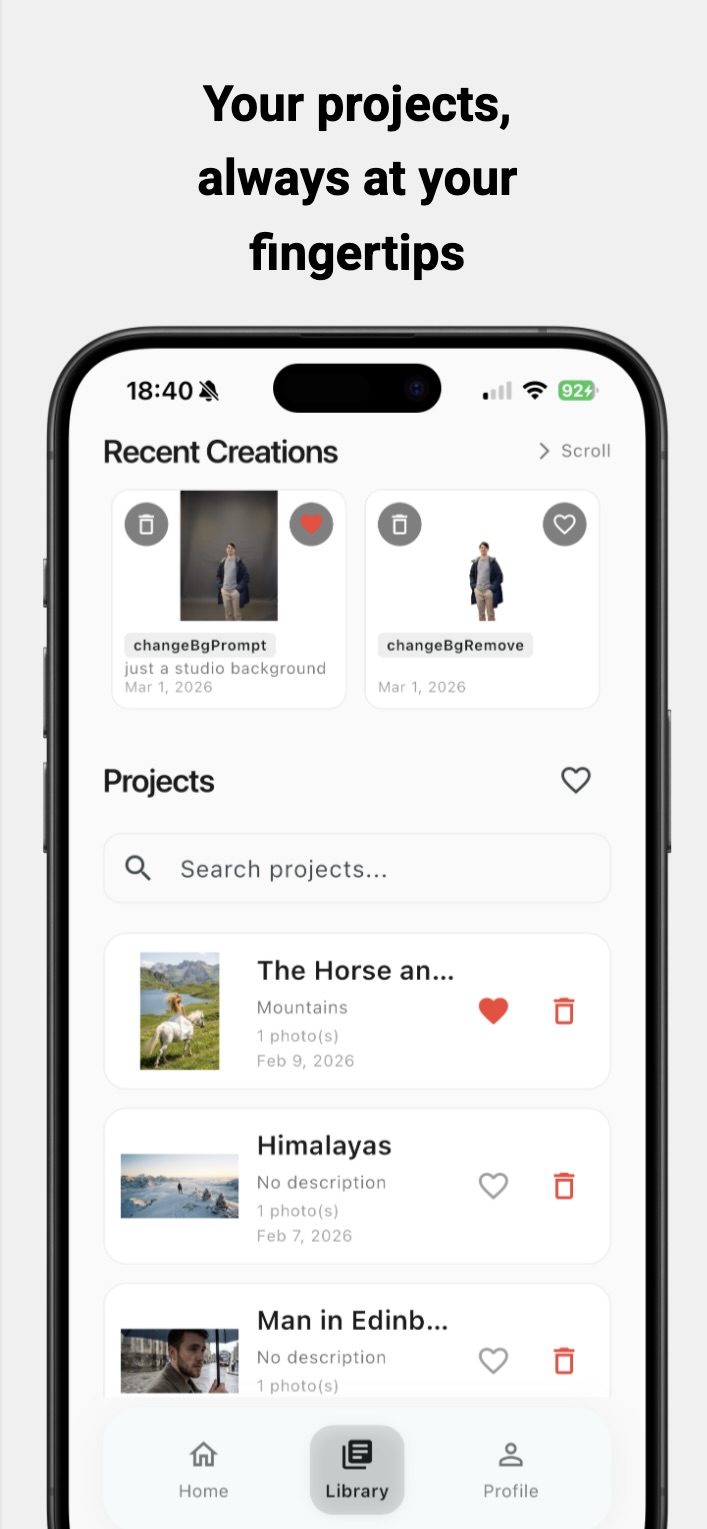
A complete set of AI editors built for photos. No layers, no learning curve — just tap, describe, and let the AI do the work.
Erase the background from any photo with one tap — perfect for portraits and products.
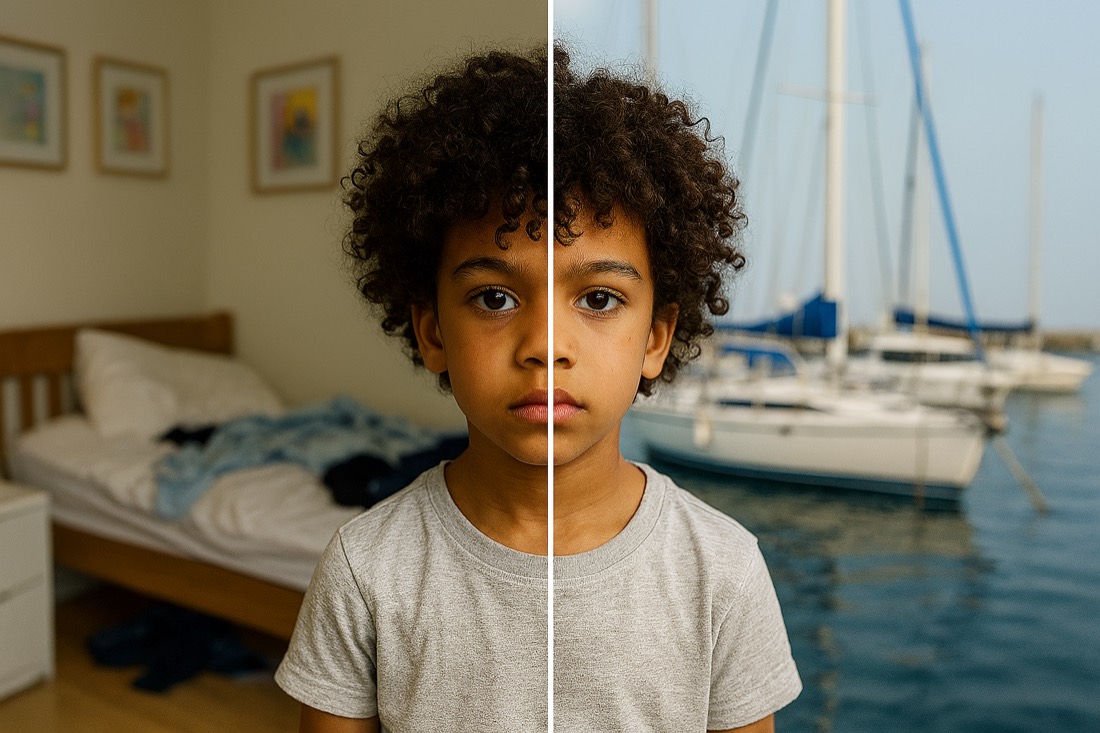
Describe a new scene and place your subject anywhere you can imagine.
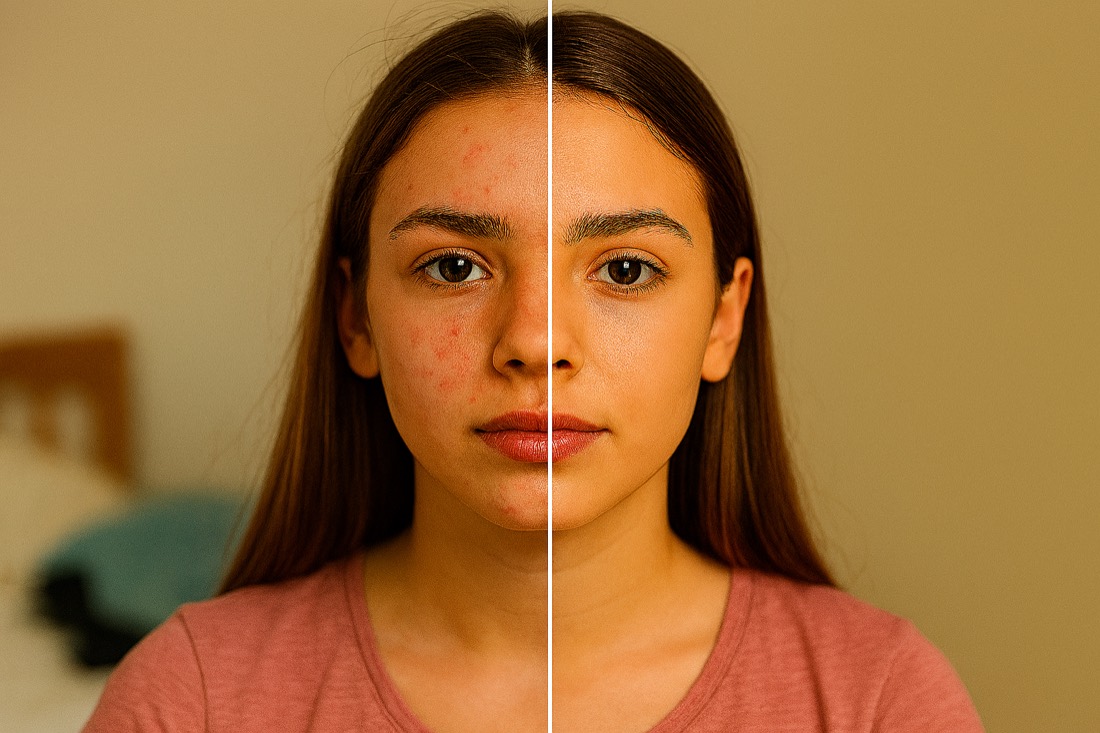
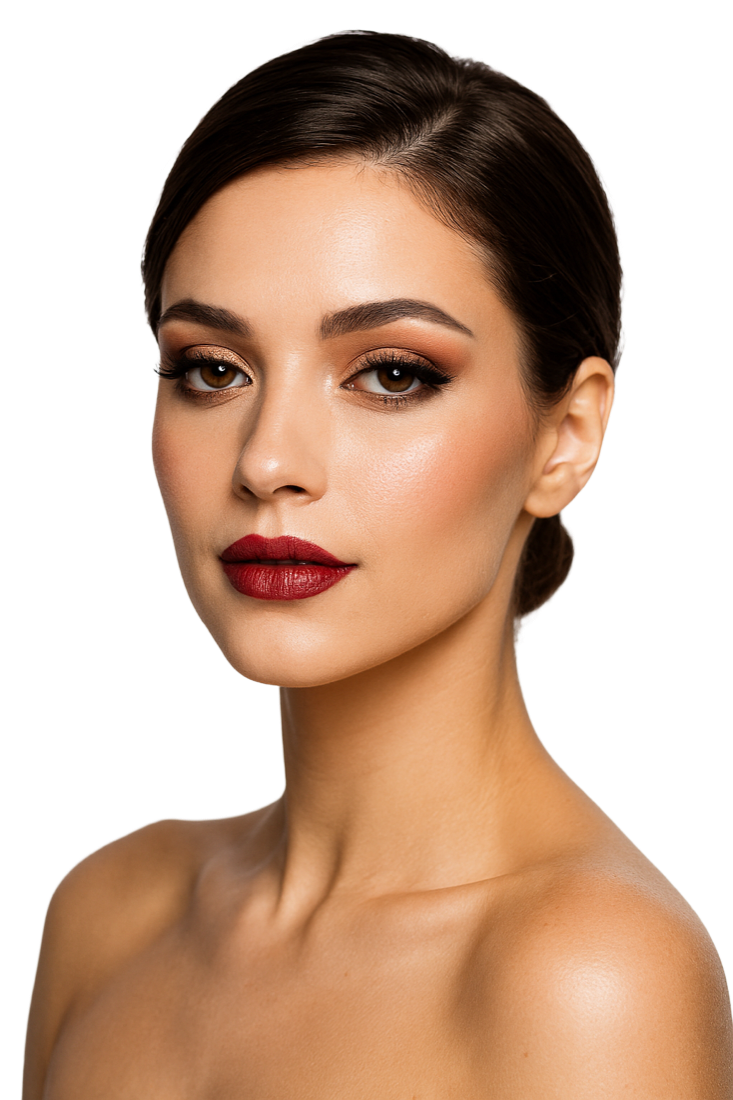
Revive old or low-quality photos with truer color and crisp detail — while keeping the person exactly who they are.
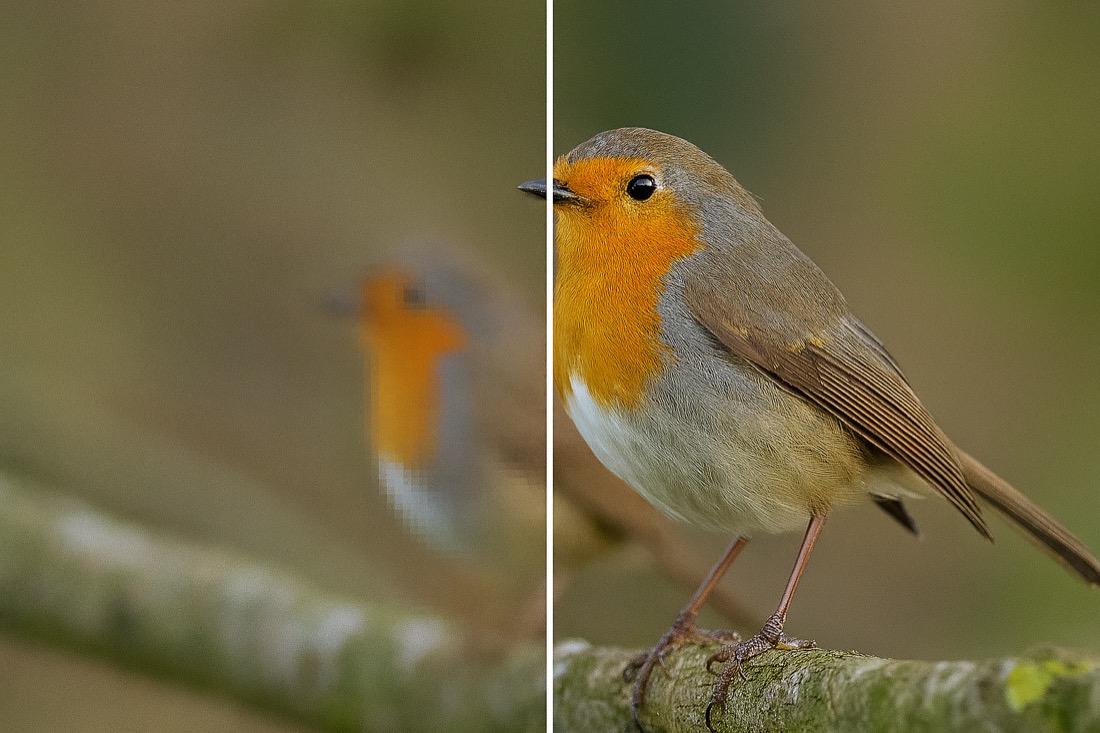
Enlarge images without losing quality and sharpen blurry or damaged shots in seconds.
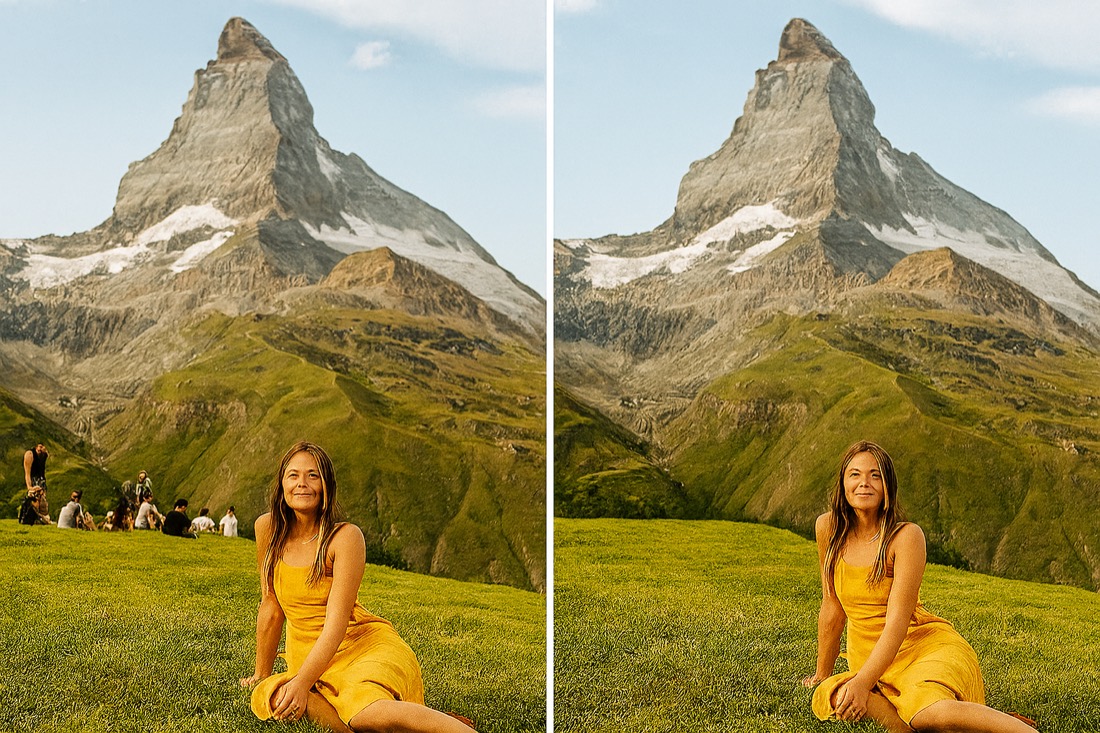
Erase people, text, or clutter from any photo — just describe what to remove.
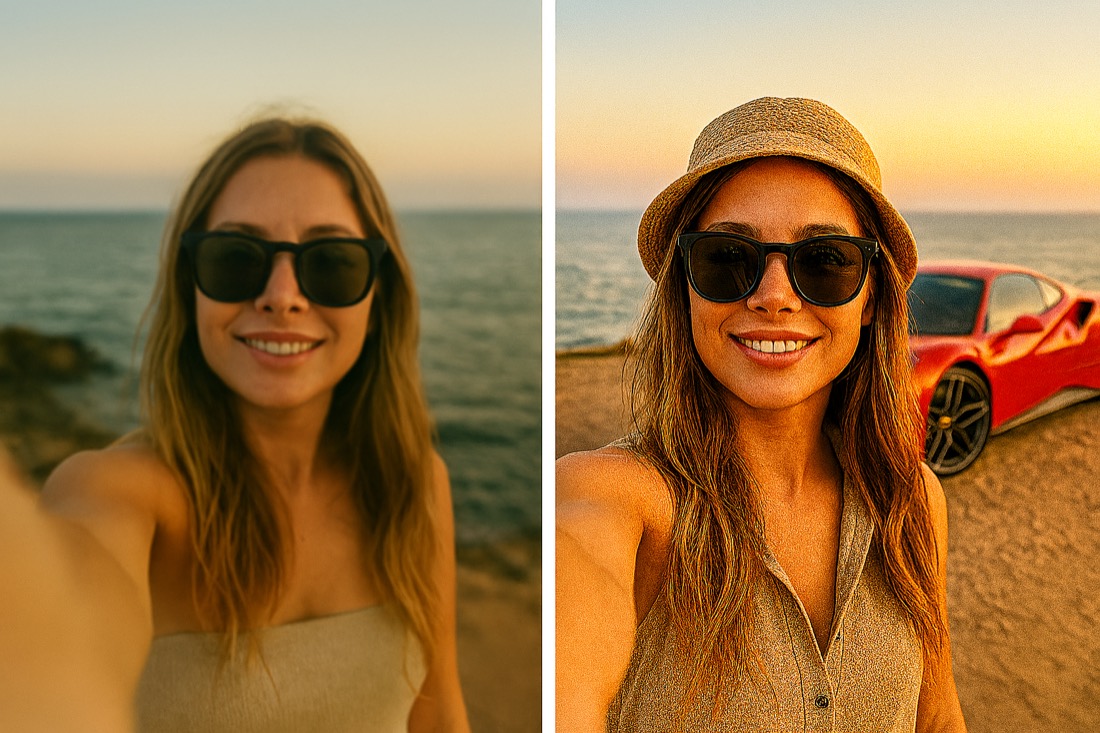
Add new elements to your photo with a text prompt and watch them blend in naturally.
Go beyond editing. Start from a blank canvas and turn a few words into finished images and videos — or skip prompts entirely with ready-made templates.
Describe what you want and generate a brand-new image from text — or upload a photo and transform it with a prompt.
Not in the mood to write prompts? Pick a curated template and get a polished, on-trend result in a single tap.
Refine faces naturally, play with age, and turn a still or a prompt into a short AI video, all in the same app.
Smooth skin and refine facial details for a natural, polished look. Works best on a clear, well-lit face.
See a younger or older version of a portrait in seconds — while keeping the face recognizably the same.
Generate a short video from a text prompt or a single photo, and share it straight from the app.
No manuals, no complicated timelines. If you can describe it, you can make it.
Choose from generate, background, restore, objects, retouch, age, or video.
Upload an image, or just describe what you want to create or change.
The AI does the work in seconds. Export to your gallery or share instantly.
PerfectAiStudio was built on one idea: powerful AI editing shouldn't require a desktop, a subscription to five different apps, or years of experience. We put an entire creative studio in your pocket — so anyone can turn an ordinary photo into something remarkable in seconds.
Read our full storyEvery tool is one tap. Describe what you want in plain words — no skills required.
Cutting-edge models deliver results that look professionally retouched, every time.
Your photos are processed to deliver your edit and never used to train AI models.
Available in 12 languages so creators everywhere can edit in their own words.
Everything you need to know about PerfectAiStudio before you download.
PerfectAiStudio is an AI photo and video editor for iPhone. It combines background removal and replacement, photo restoration, upscaling, unblur, object add/remove, face retouch, age modification, and generative AI for images and video into a single app — all controlled with simple text prompts.
Yes. PerfectAiStudio is free to download from the App Store, and no editing skills are required to start creating.
PerfectAiStudio is an iOS app built for iPhone. You can download it directly from the Apple App Store.
Your photos are processed only to deliver the edit you request, and they are never used to train AI models. See our Privacy Policy for details.
PerfectAiStudio is available in 12 languages, so creators everywhere can edit using their own words.
No. Every tool works in a tap — you describe what you want in plain language and the AI does the work in seconds.
Download PerfectAiStudio free and start creating with AI today.